

The modern office cubicle is more than just a partitioned space; it is a personal sanctuary where professionals spend a significant portion of their waking hours. A well-designed cubicle can enhance focus, boost productivity, and improve overall well-being. Conversely, a cluttered, poorly lit, or uninspiring workspace can lead to stress, fatigue, and decreased efficiency. This comprehensive guide explores innovative office cubicle setup ideas, covering design, organization, ergonomics, personalization, and productivity hacks to help you transform your workspace into an environment where you can thrive.
The Importance of a Well-Designed Cubicle
A cubicle is a physical manifestation of your professional identity and work habits. The way you arrange your space communicates your organizational skills and attention to detail. More importantly, the design of your workspace directly impacts your cognitive function and emotional state. Research consistently shows that employees who have control over the design and layout of their workspace are happier, healthier, and more productive.
Creating an optimal cubicle setup involves balancing functionality with aesthetics. It requires thoughtful consideration of how you work, what tools you need, and what elements bring you comfort and inspiration. By investing time and effort into optimizing your cubicle, you are investing in your own professional success and personal well-being.
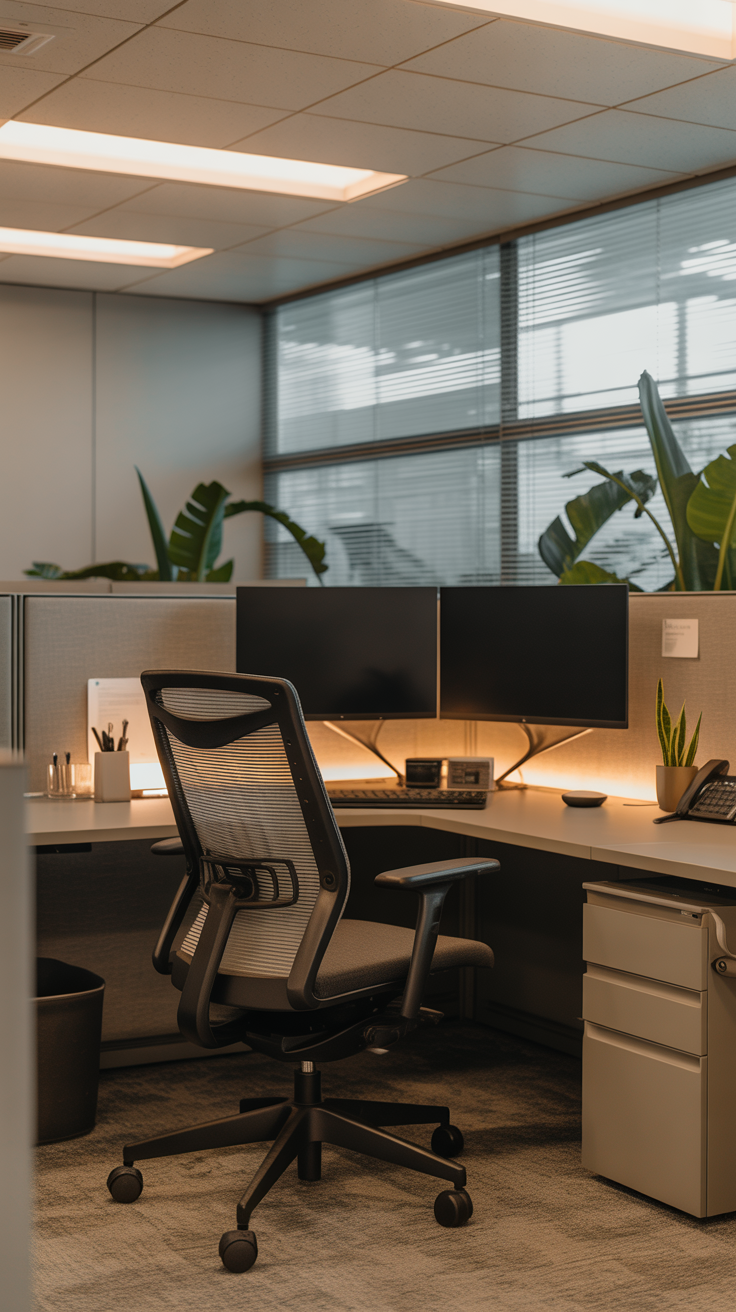
Foundational Elements: Ergonomics and Comfort
Ergonomics is the science of designing the workspace to fit the user, minimizing physical strain and maximizing efficiency. A poorly configured workstation can lead to musculoskeletal disorders, eye strain, and chronic pain.
The Ergonomic Chair
The cornerstone of any ergonomic setup is a high-quality, adjustable chair. Since you will likely spend hours seated, your chair must provide adequate support for your lower back, promote good posture, and allow for proper circulation.
When selecting or adjusting an office chair, ensure that your feet rest flat on the floor or on a footrest, with your knees at or slightly below hip level. The lumbar support should fit comfortably into the natural curve of your lower back. Armrests should be adjusted so that your shoulders are relaxed and your elbows are bent at a 90-degree angle when typing.
Desk Height and Monitor Placement
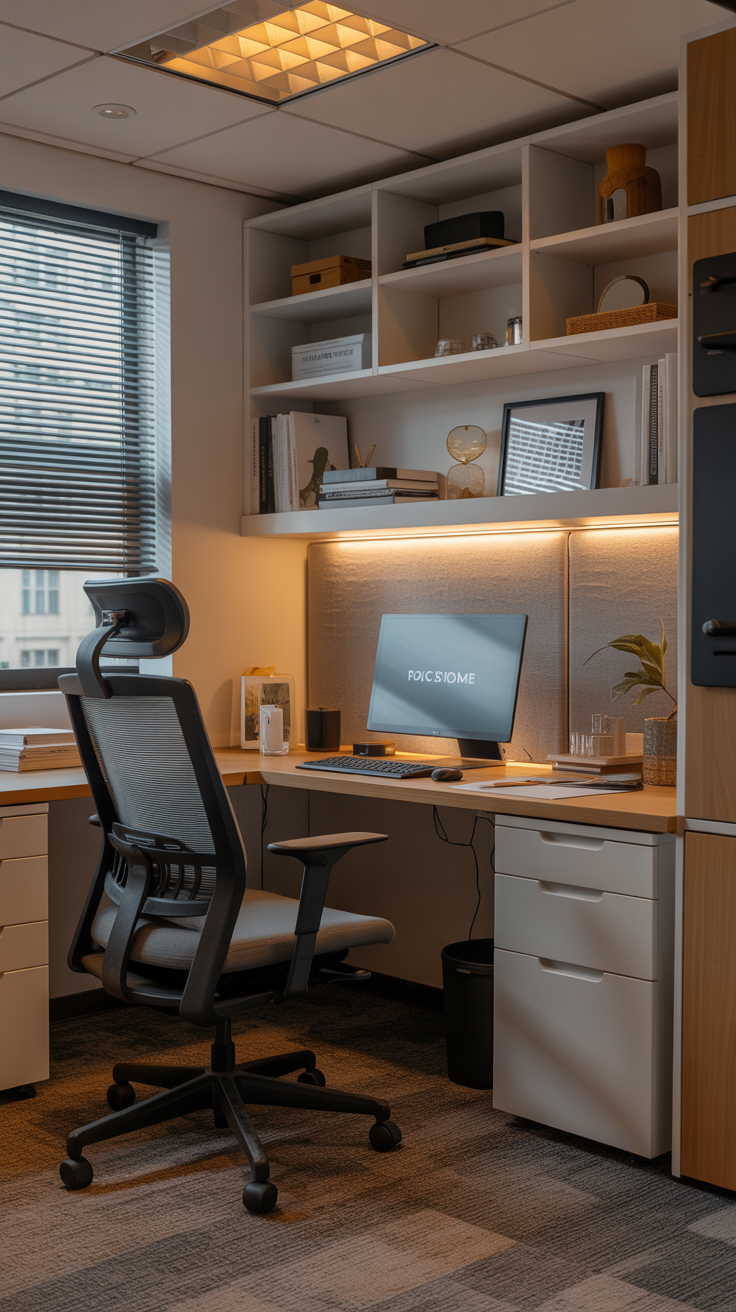
The height of your desk and the placement of your monitor are equally important. Your desk should be at a height that allows your forearms to rest parallel to the floor when typing. If your desk is too high, you may experience shoulder and neck strain; if it is too low, you may hunch forward, leading to back pain.
Monitor placement is critical for preventing neck and eye strain. The top of your monitor should be at or slightly below eye level, and the screen should be positioned about an arm’s length away. If you use dual monitors, place them symmetrically in front of you, angled slightly inward, to minimize neck rotation. Consider using a monitor arm or stand to achieve the optimal height and free up valuable desk space.
Keyboard and Mouse Positioning
Your keyboard and mouse should be positioned close enough to your body so that you do not have to reach or stretch to use them. Keep your wrists straight and avoid resting them on hard edges while typing. An ergonomic keyboard and a vertical mouse can help reduce the risk of repetitive strain injuries, such as carpal tunnel syndrome.
Illuminating Your Workspace: The Power of Lighting
Lighting is one of the most overlooked aspects of cubicle design, yet it has a profound impact on mood, energy levels, and visual comfort. Many office environments rely heavily on harsh fluorescent lighting, which can cause glare, eye strain, and even headaches. Taking control of your cubicle lighting can significantly improve your work experience.
Maximizing Natural Light
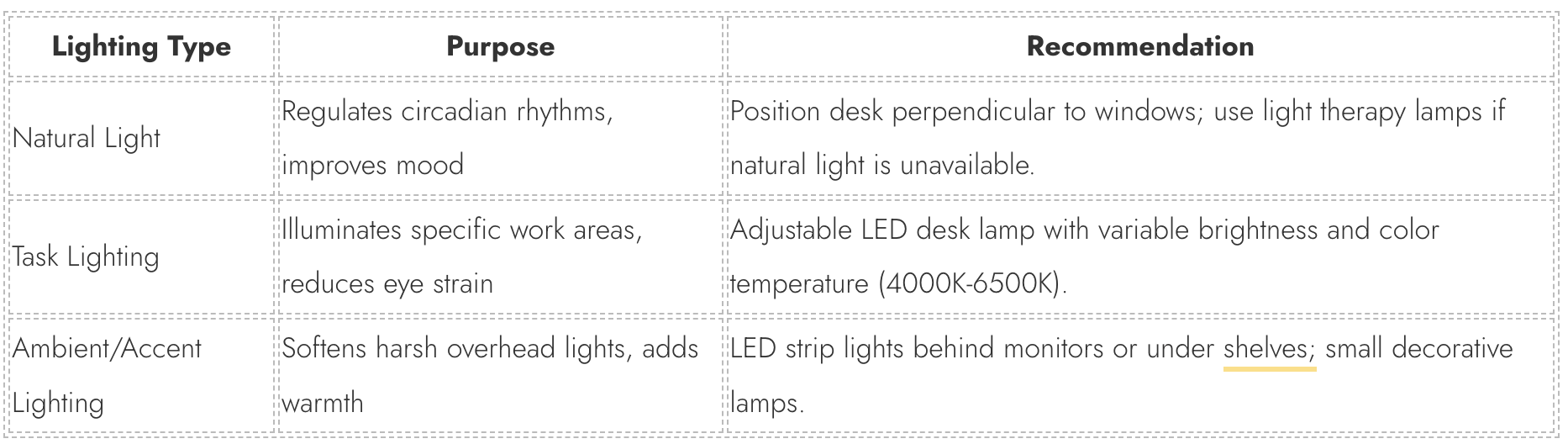
If your cubicle is located near a window, maximize your exposure to natural light. Natural light regulates circadian rhythms, improves mood, and enhances alertness. Position your monitor perpendicular to the window to avoid glare on the screen. If you do not have access to natural light, consider using a light therapy lamp, especially during the darker winter months, to simulate sunlight and boost your energy.
Task Lighting
Task lighting is essential for illuminating specific work areas and reducing eye strain when reading documents or performing detailed tasks. An adjustable LED desk lamp is an excellent addition to any cubicle. Look for a lamp with adjustable brightness and color temperature settings. A color temperature between 4000K and 6500K (cool white to daylight) is generally recommended for workspaces, as it promotes focus and alertness.
Ambient and Accent Lighting
To soften the harshness of overhead fluorescent lights, consider adding ambient or accent lighting to your cubicle. LED strip lights placed behind your monitor or under shelves can create a warm, inviting glow and reduce eye fatigue. Small, decorative lamps can also add a touch of personality and warmth to your space.
Mastering Organization: Decluttering and Storage Solutions
A cluttered workspace leads to a cluttered mind. Disorganization can cause stress, decrease productivity, and make it difficult to find essential documents or tools. Implementing effective organizational systems is key to maintaining a functional and efficient cubicle.
The Art of Decluttering
The first step in organizing your cubicle is to declutter. Empty your drawers, cabinets, and desktop, and evaluate every item. Discard or recycle anything that is broken, outdated, or no longer needed. Be ruthless in your assessment; if you haven’t used an item in the past six months, you likely do not need it.
Limit the number of personal items and decorations on your desk. While personalization is important, too many items can become distracting. Keep only the essentials within arm’s reach, and store less frequently used items in drawers or cabinets.
Utilizing Vertical Space
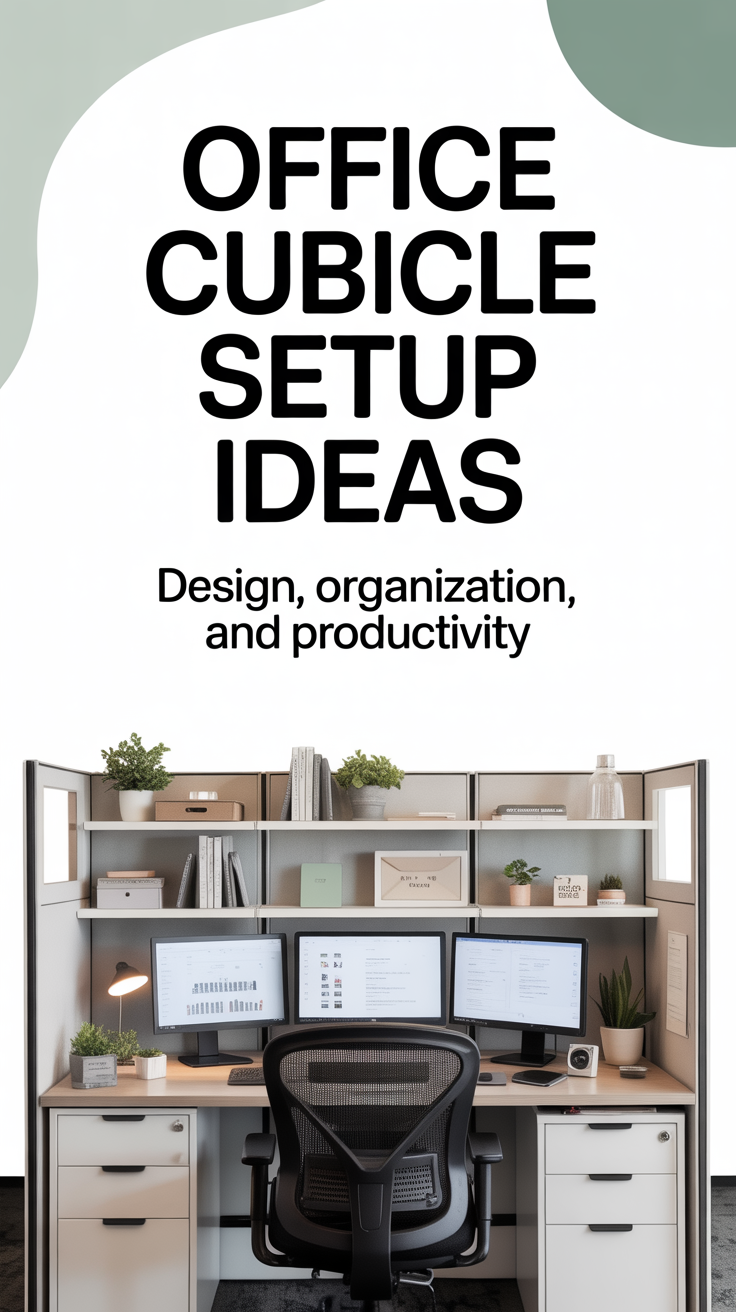
Cubicles often have limited square footage, making it essential to utilize vertical space effectively. Install shelves or use over-the-partition organizers to store books, binders, and decorative items. A pegboard or corkboard mounted on the cubicle wall can serve as a versatile organizational tool for pinning important notes, calendars, and frequently referenced documents.
Drawer and Desktop Organizers
Keep your drawers tidy by using drawer dividers or small trays to separate pens, paper clips, sticky notes, and other office supplies. On your desktop, use a desk organizer or a monitor stand with built-in storage to keep essential items organized and easily accessible. A designated inbox and outbox tray can help manage incoming and outgoing paperwork, preventing documents from piling up on your desk.
Cable Management
Tangled cables are not only unsightly but can also be a safety hazard and make it difficult to clean your workspace. Implement a cable management system to keep cords organized and out of sight. Use cable sleeves, zip ties, or velcro straps to bundle cables together. Route cables along the edges of your desk or use under-desk cable trays to keep them off the floor. Adhesive cable clips can be used to secure charging cables to the edge of your desk, ensuring they are always within reach.
Designing for Productivity: Layout and Workflow
The layout of your cubicle should support your workflow and minimize distractions. By strategically arranging your tools and equipment, you can create an environment that fosters focus and efficiency.
Zoning Your Workspace
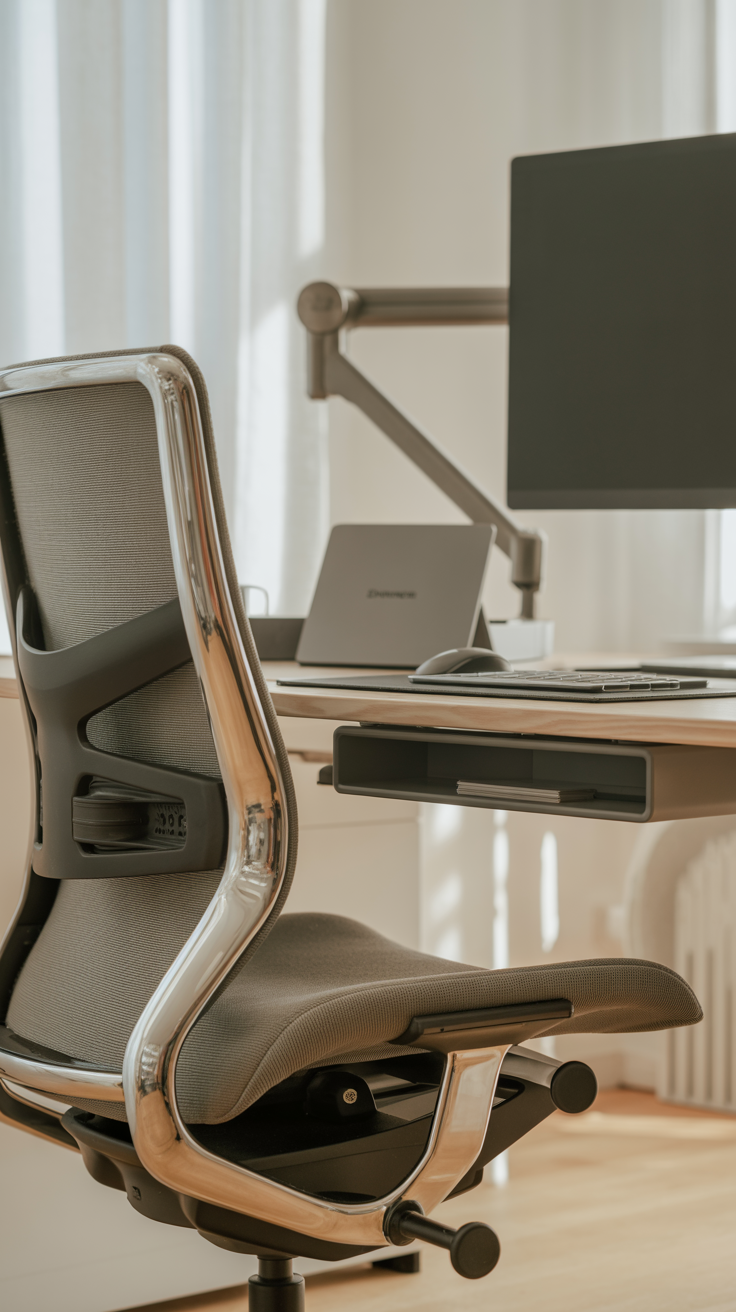
Divide your cubicle into distinct zones based on the tasks you perform. For example, you might have a primary computer zone for digital work, a secondary writing or reading zone for reviewing physical documents, and a storage zone for files and supplies. This zoning approach helps keep your workspace organized and allows you to transition smoothly between different types of tasks.
The “Reach Zone” Principle
Organize your desk based on the “reach zone” principle. Items that you use constantly, such as your keyboard, mouse, and telephone, should be placed in the primary reach zone, easily accessible without stretching or leaning. Items used frequently, such as pens, notepads, and reference materials, should be in the secondary reach zone. Items used infrequently should be stored in drawers or on shelves outside of your immediate reach.
Minimizing Distractions
Cubicles in open-plan offices can be noisy and distracting. To minimize visual distractions, position your monitor so that your back is to the aisle or entrance of your cubicle, if possible. Use noise-canceling headphones or a white noise machine to block out background chatter and improve concentration. If your cubicle walls are low, consider adding a privacy screen or a tall plant to create a visual barrier.
Personalization: Making the Space Your Own
While functionality and organization are paramount, personalization is what transforms a sterile cubicle into a welcoming and inspiring workspace. Adding personal touches can boost your mood, reduce stress, and make you feel more connected to your environment.
Bringing Nature Indoors
Incorporating elements of nature into your workspace, a concept known as biophilic design, has been shown to reduce stress, improve cognitive function, and enhance creativity. Add a few low-maintenance indoor plants, such as succulents, snake plants, or pothos, to your cubicle. Plants not only improve air quality but also add a touch of vibrant color and life to the space.
Artwork and Inspiration
Decorate your cubicle walls with artwork, photographs, or motivational quotes that inspire you. Choose images that evoke positive emotions or remind you of your goals and values. A small bulletin board or a magnetic whiteboard can serve as a dynamic display area for rotating photos, postcards, and inspiring clippings.
Color Psychology
The colors in your workspace can influence your mood and productivity. While you may not be able to paint your cubicle walls, you can introduce color through accessories, desk mats, and artwork. Blue is often associated with calmness and focus, making it an excellent choice for high-stress environments. Green promotes balance and creativity, while yellow can stimulate energy and optimism. Choose colors that resonate with you and support the type of work you do.
Comfort Items
Incorporate small comfort items that make your workspace feel more inviting. A cozy throw blanket or a supportive lumbar pillow can add physical comfort during long workdays. A small fan or a personal heater can help you regulate the temperature in your cubicle, ensuring you remain comfortable regardless of the office climate control.
Maintaining Your Setup: Habits for Long-Term Success
Creating an optimized cubicle setup is only the first step; maintaining it requires consistent effort and the development of good habits. A well-maintained workspace ensures that you continue to reap the benefits of your design and organizational efforts.
The End-of-Day Routine
Establish a brief end-of-day routine to reset your workspace for the following morning. Spend five minutes clearing your desk of coffee cups, trash, and unnecessary clutter. File away documents, organize your digital desktop, and write down your top priorities for the next day. Returning to a clean and organized workspace in the morning sets a positive tone for the day and allows you to dive straight into your work.
Regular Deep Cleaning
In addition to daily tidying, schedule a regular deep cleaning of your cubicle. Wipe down your desk surface, keyboard, and mouse with disinfecting wipes to prevent the buildup of dust and germs. Clean your monitor screen with a microfiber cloth and appropriate cleaning solution. Regularly empty your trash and recycling bins to maintain a fresh and hygienic environment.
Periodic Re-evaluation
Your work habits and needs may change over time, so it is important to periodically re-evaluate your cubicle setup. Every few months, take a critical look at your workspace and ask yourself if it is still serving you effectively. Are there items you no longer use? Is your ergonomic setup still comfortable? Make adjustments as needed to ensure your cubicle continues to support your productivity and well-being.
Advanced Cubicle Hacks for the Modern Professional
For those looking to take their cubicle setup to the next level, consider implementing some advanced hacks and upgrades. These strategies can further enhance your comfort, focus, and efficiency.
The Standing Desk Converter
Prolonged sitting has been linked to numerous health issues, including back pain, cardiovascular disease, and metabolic syndrome. If your company does not provide standing desks, consider investing in a standing desk converter. These adjustable platforms sit on top of your existing desk and allow you to easily transition between sitting and standing throughout the day. Alternating between sitting and standing can improve circulation, boost energy levels, and reduce physical discomfort.
Acoustic Panels and Soundproofing
If noise is a significant issue in your office, explore soundproofing options for your cubicle. Acoustic panels can be attached to cubicle walls to absorb sound and reduce echo. While they will not completely eliminate background noise, they can significantly dampen the sound of conversations and ringing phones, creating a quieter and more focused environment.
Smart Office Accessories
Incorporate smart accessories to streamline your workflow and enhance your workspace. A wireless charging pad can keep your smartphone powered up without the clutter of cables. A smart mug can keep your coffee or tea at the perfect temperature for hours. A digital assistant, such as an Amazon Echo or Google Nest Hub, can be used to set reminders, check your calendar, or play background music hands-free.
Your office cubicle is more than just a place to work; it is an environment that shapes your professional experience. By thoughtfully designing and organizing your workspace, you can create a sanctuary that promotes focus, efficiency, and well-being. From establishing a solid ergonomic foundation and optimizing lighting to implementing effective organizational systems and adding personal touches, every element of your cubicle setup plays a crucial role in your overall success.
Remember that creating the perfect cubicle is an ongoing process. It requires regular maintenance, periodic re-evaluation, and a willingness to adapt as your needs and work habits evolve. By investing time and effort into your workspace, you are investing in yourself